DrBomb tutorials.
Get ready for your shoot and learn how to use My Account before and after your recording.
Open My AccountHow to prepare for your shoot
Check where to go, get your content ready, and pack for your recording format.
Your booking
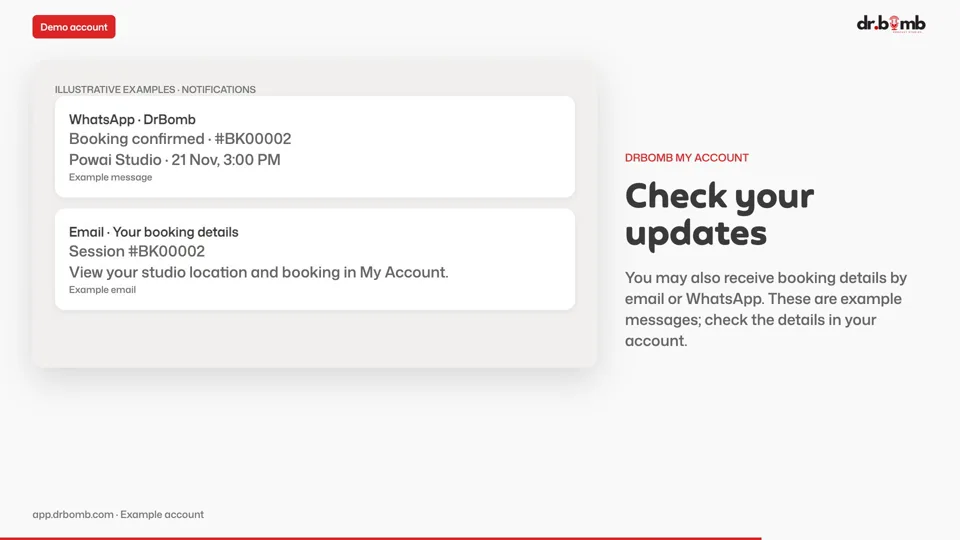
Find your studio and booking
Check your session details and open directions.
0:28
Find your studio and booking
Check your session details and open directions.
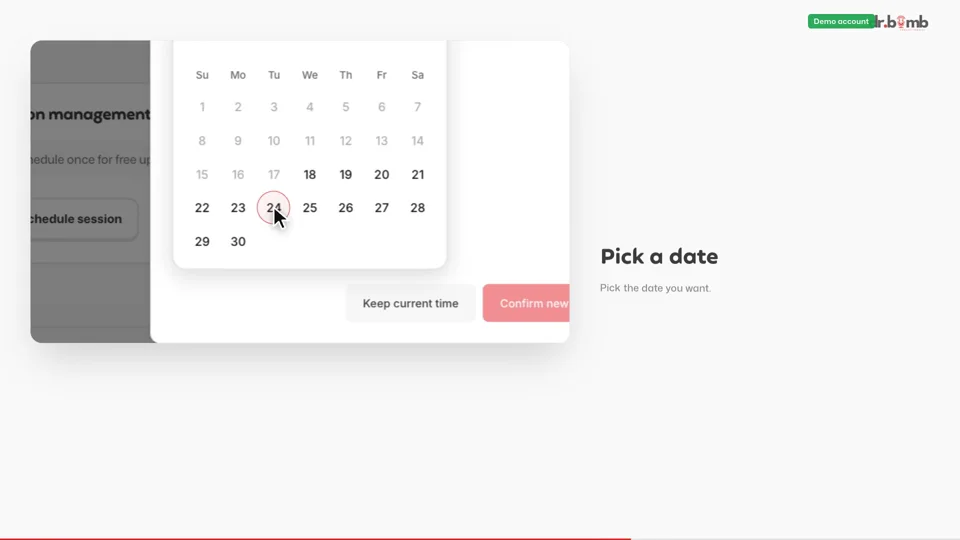
Reschedule a booking
Find another time and confirm your updated session.
0:50
Reschedule a booking
Find another time and confirm your updated session.
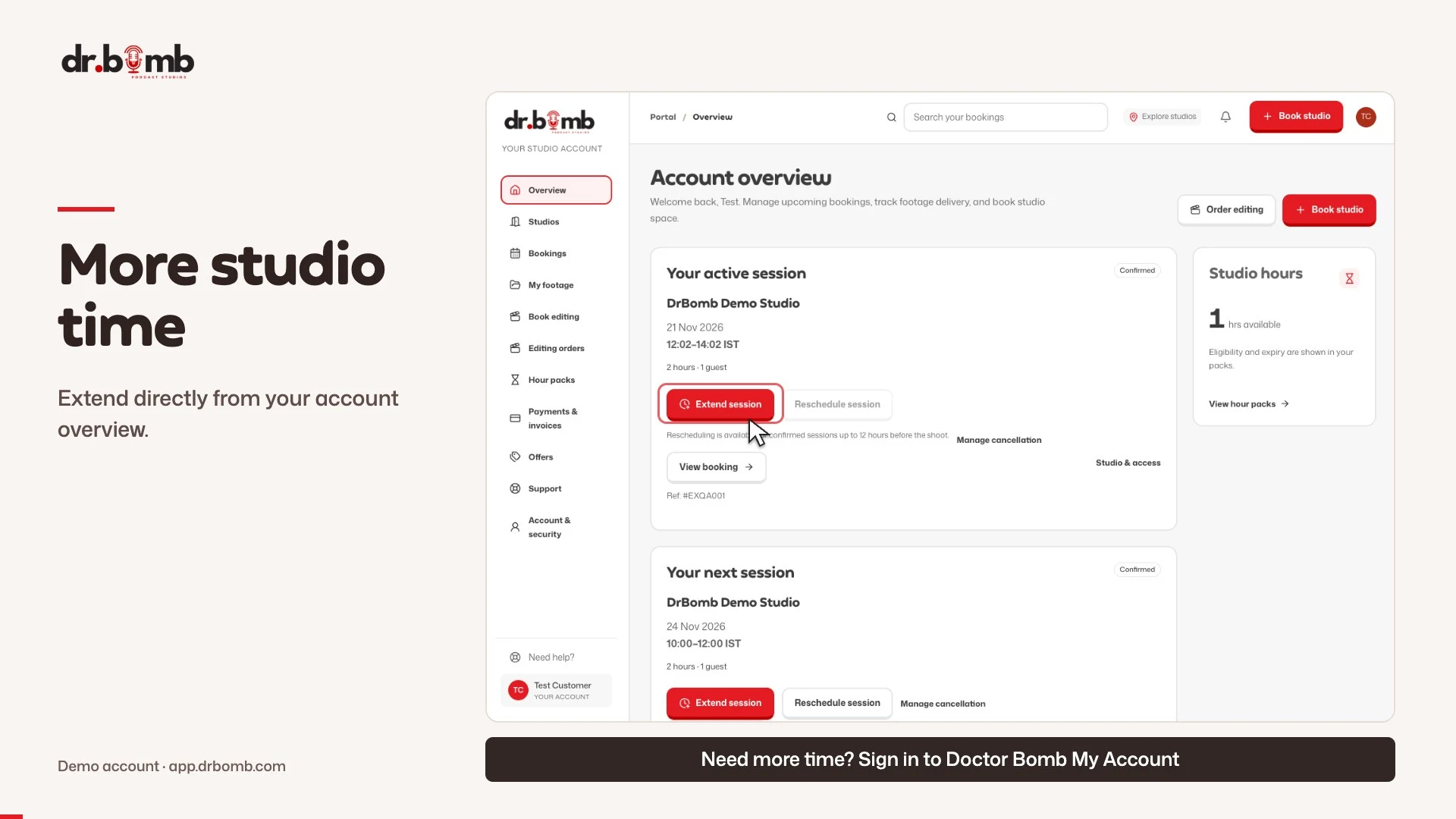
Extend your session
Add available time, use prepaid hours and pay any remainder in full.
1:05
Extend your session
Add available time, use prepaid hours and pay any remainder in full.
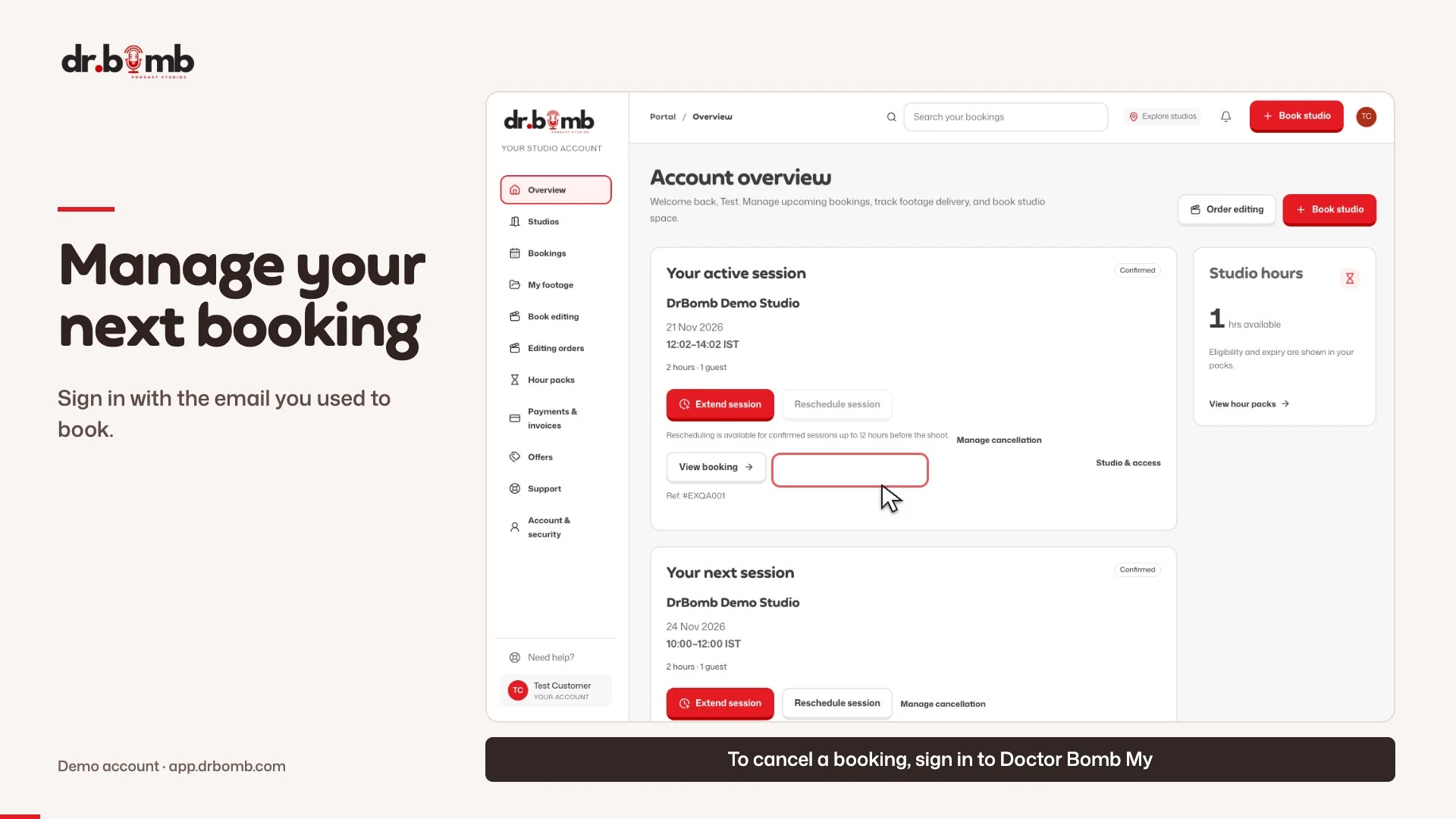
Cancel a booking
Review the refund details before confirming a cancellation.
0:36
Cancel a booking
Review the refund details before confirming a cancellation.
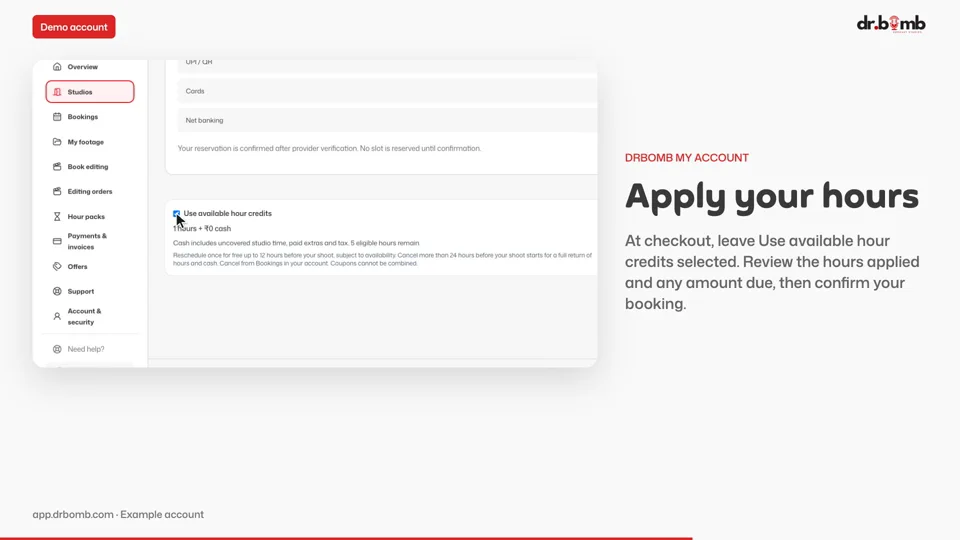
Use prepaid studio hours
Check your balance and apply eligible hours at checkout.
0:27
Use prepaid studio hours
Check your balance and apply eligible hours at checkout.
Scripts, footage and editing
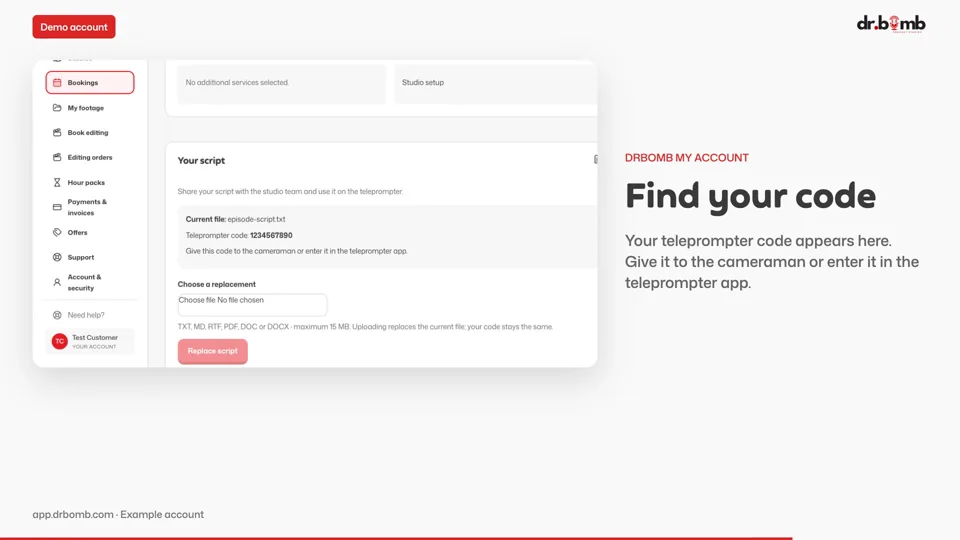
Upload a teleprompter script
Upload your file and find the code for your shoot.
0:25
Upload a teleprompter script
Upload your file and find the code for your shoot.
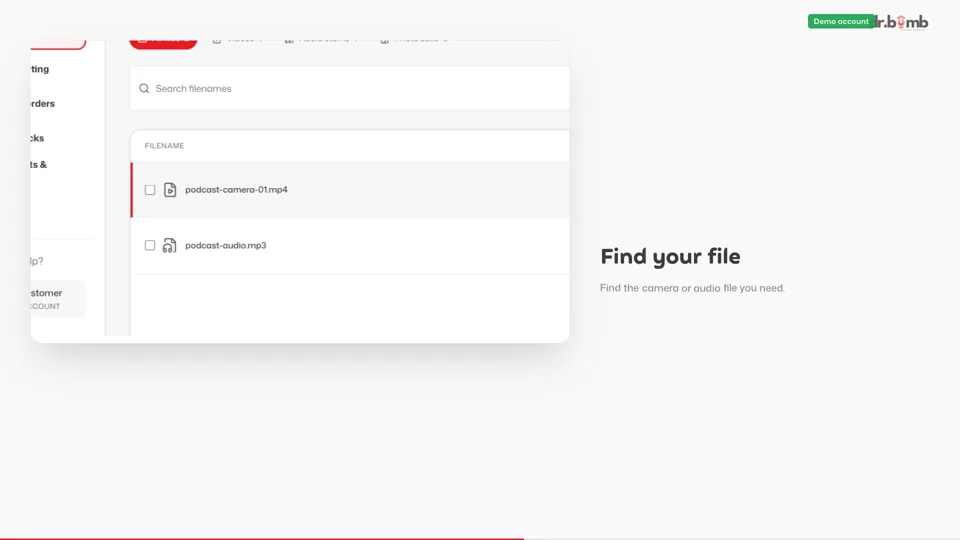
Download your footage
Find the right session and save your recording files.
0:43
Download your footage
Find the right session and save your recording files.
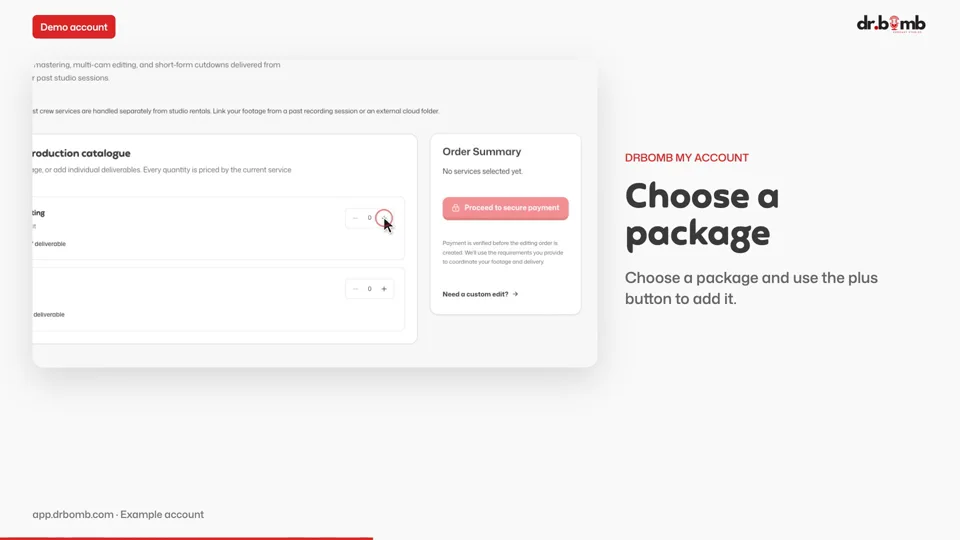
Order editing
Choose your deliverables and link your recording.
0:25
Order editing
Choose your deliverables and link your recording.
Invoices and support
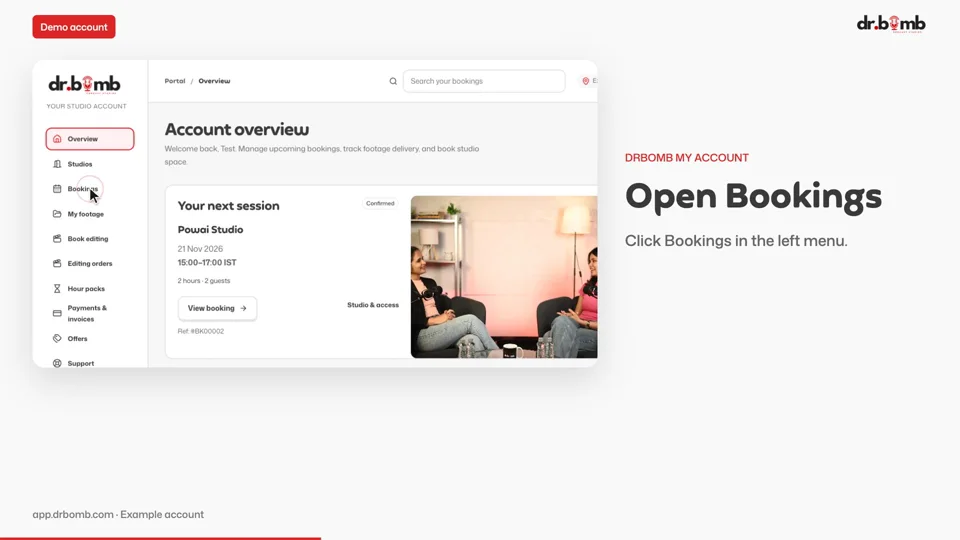
Download your invoice
Open your booking and save your tax invoice as a PDF.
0:20
Download your invoice
Open your booking and save your tax invoice as a PDF.
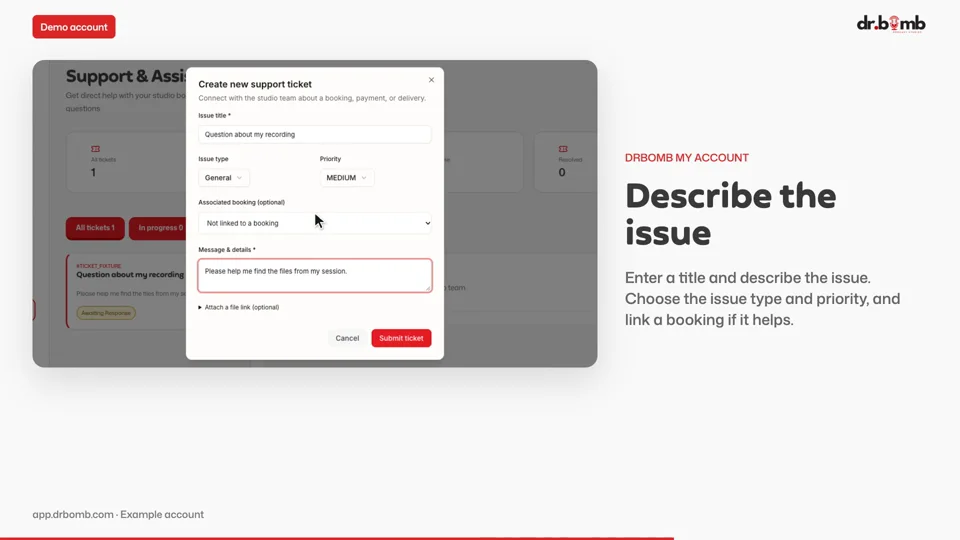
Raise a support ticket
Send the studio team the details of your issue.
0:22
Raise a support ticket
Send the studio team the details of your issue.